
ShUM: The Kehilos of the Rhine
Mobile real-time strategy
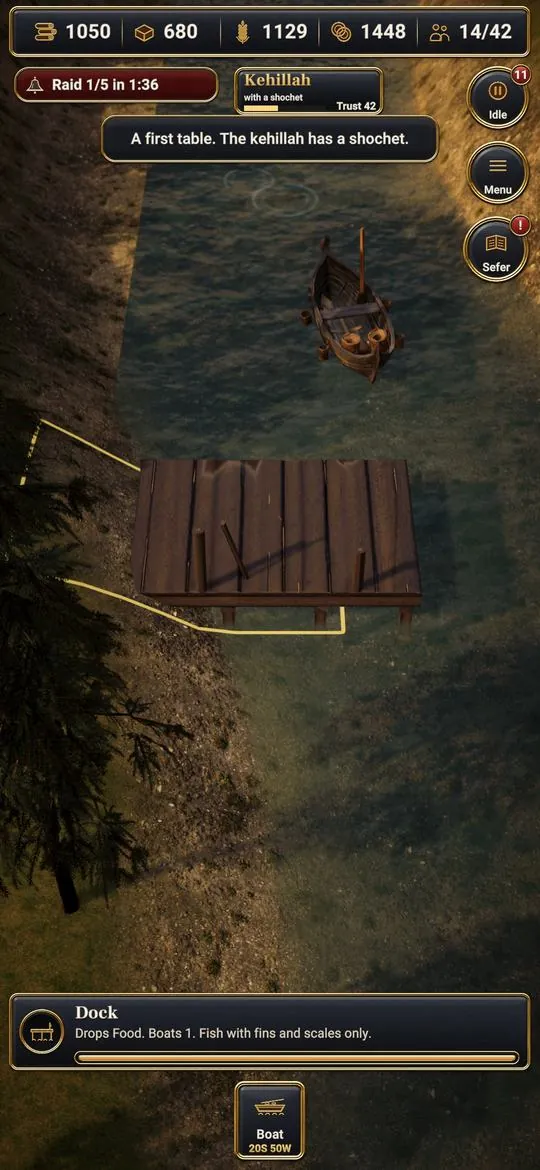
Build and defend the Jewish communities of Speyer and Worms on the Rhine, around 1065–1084: homes, a shul, a farm and a dock on the river.
In development
Trailer
How it plays
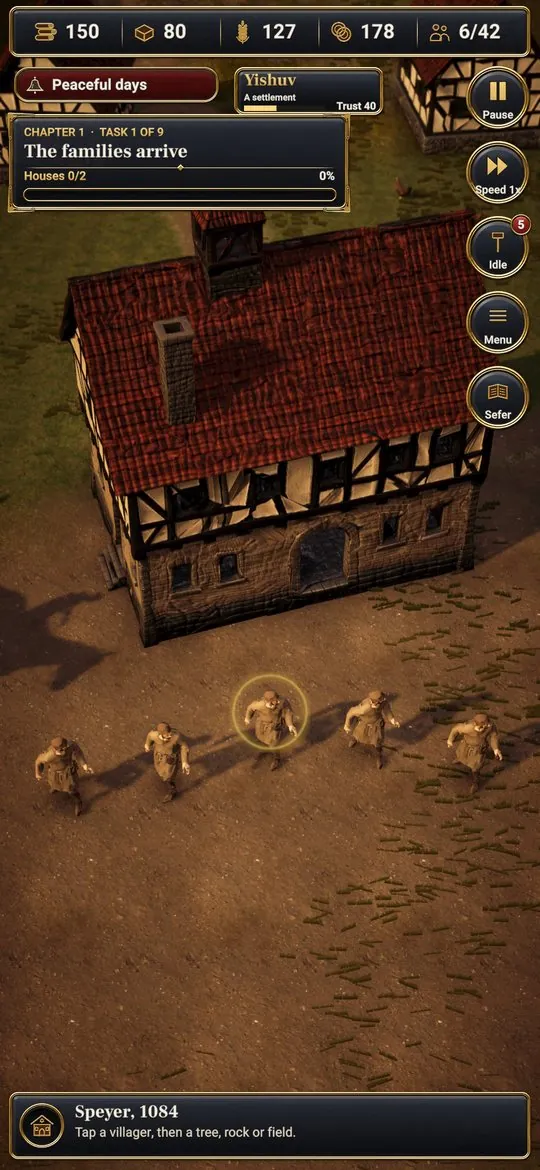
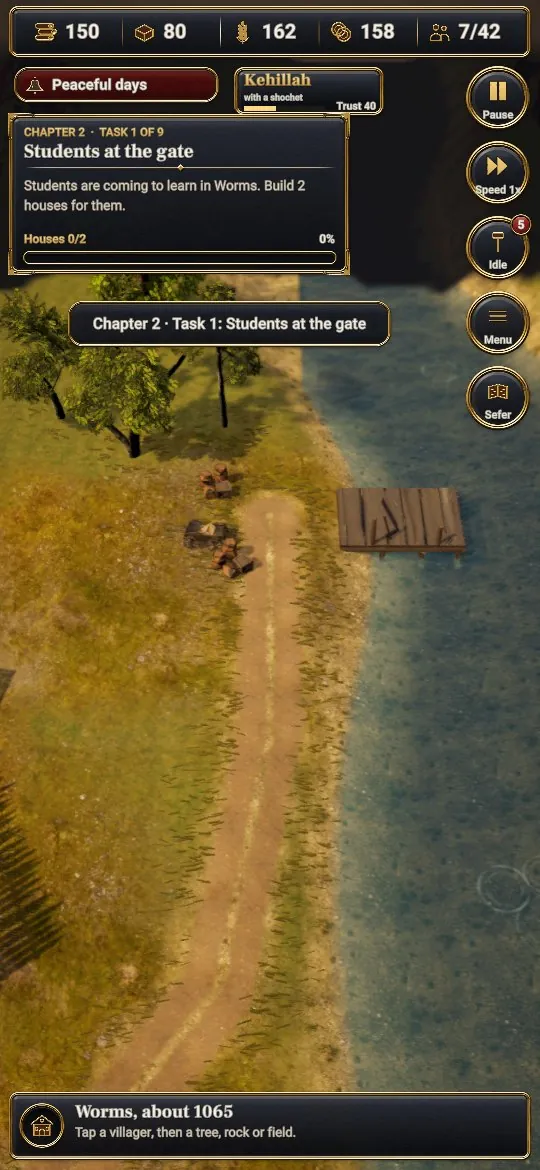
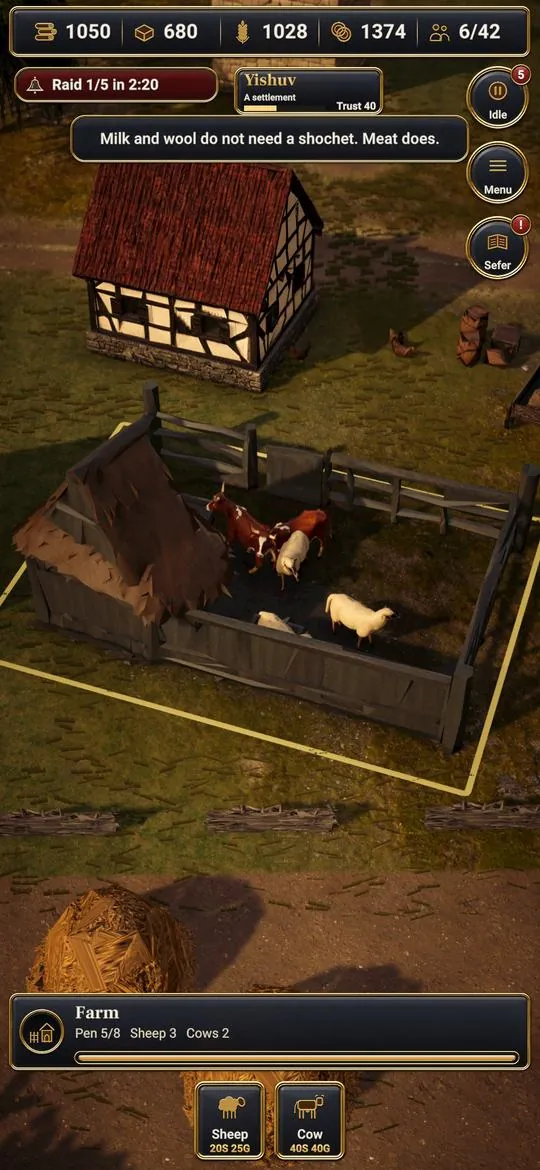
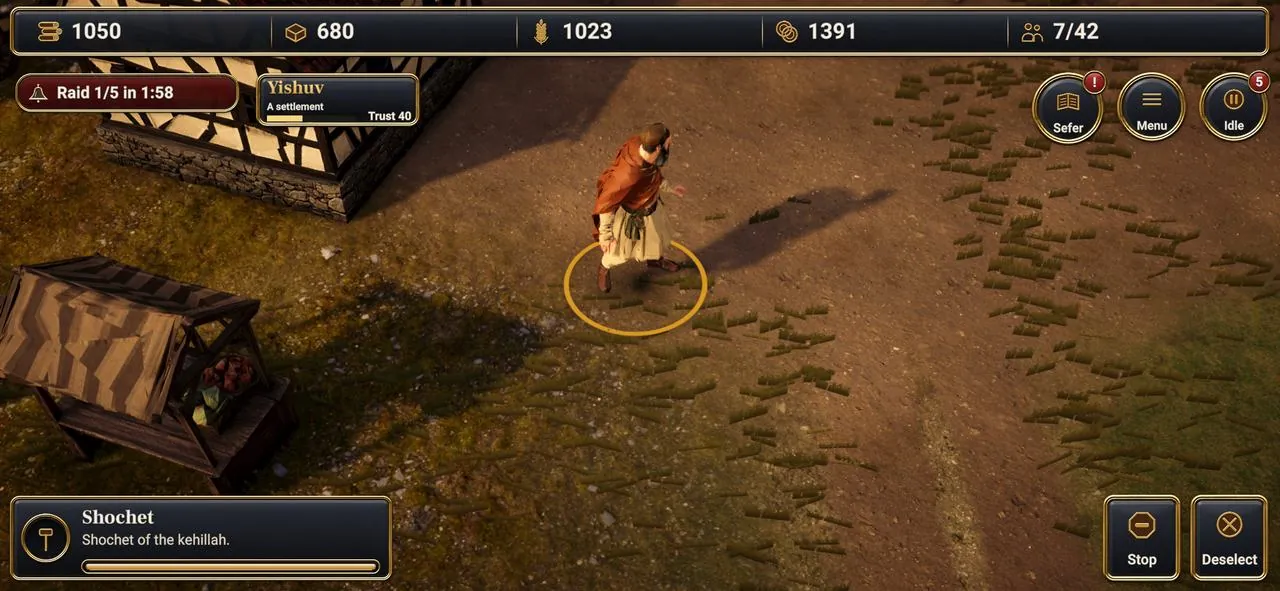
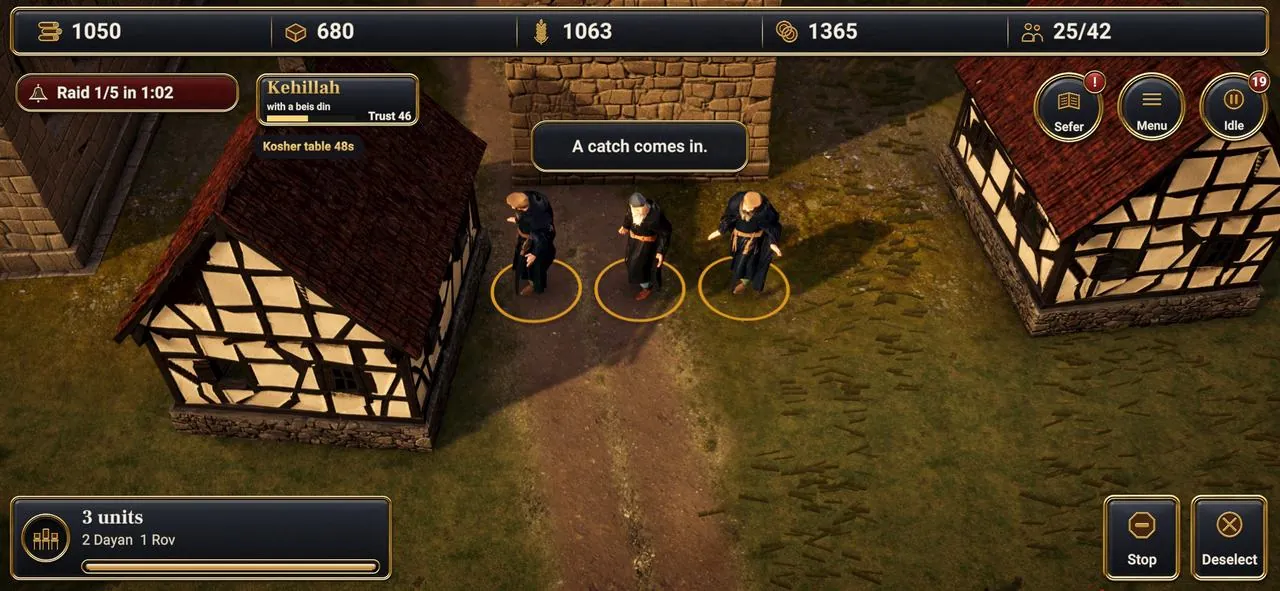
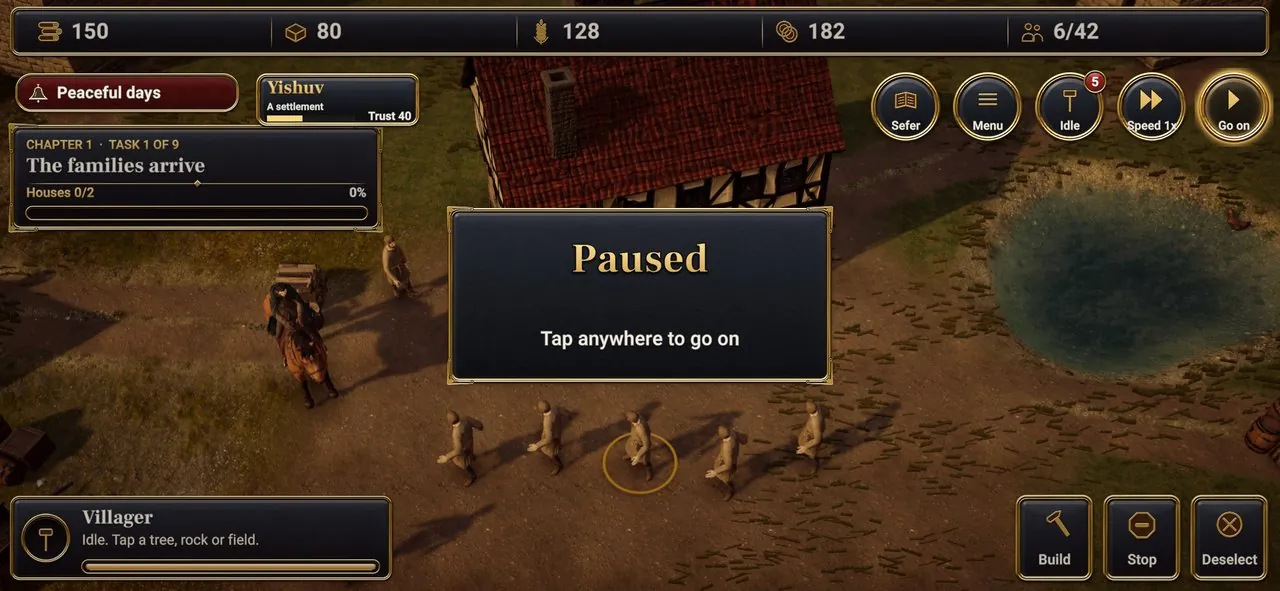
- Tap a man, give him a job. Gather wood, stone and food, and build homes, a shul, a farm and a dock on the Rhine.
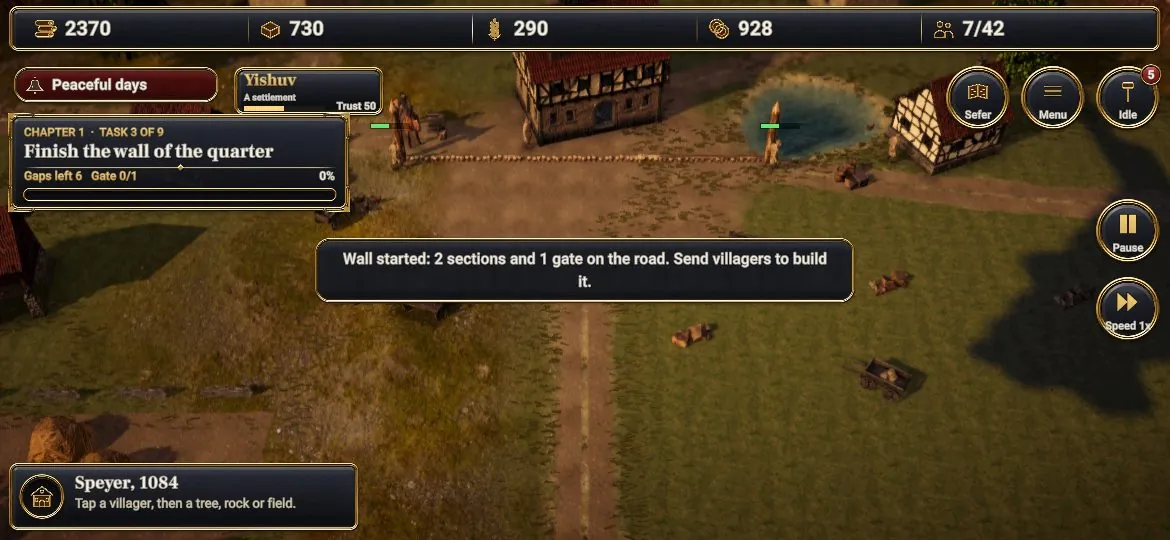
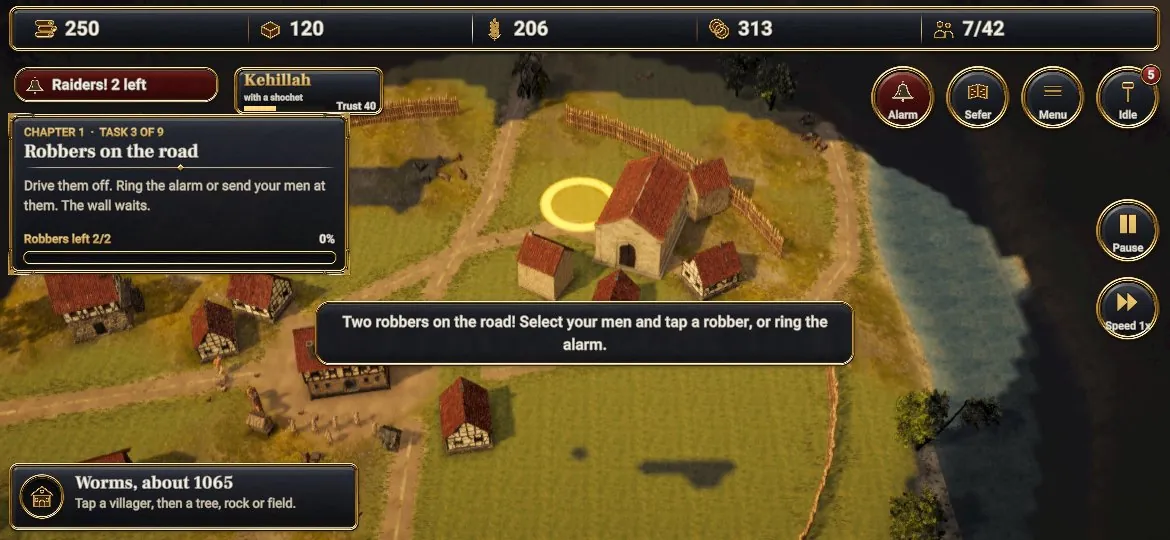
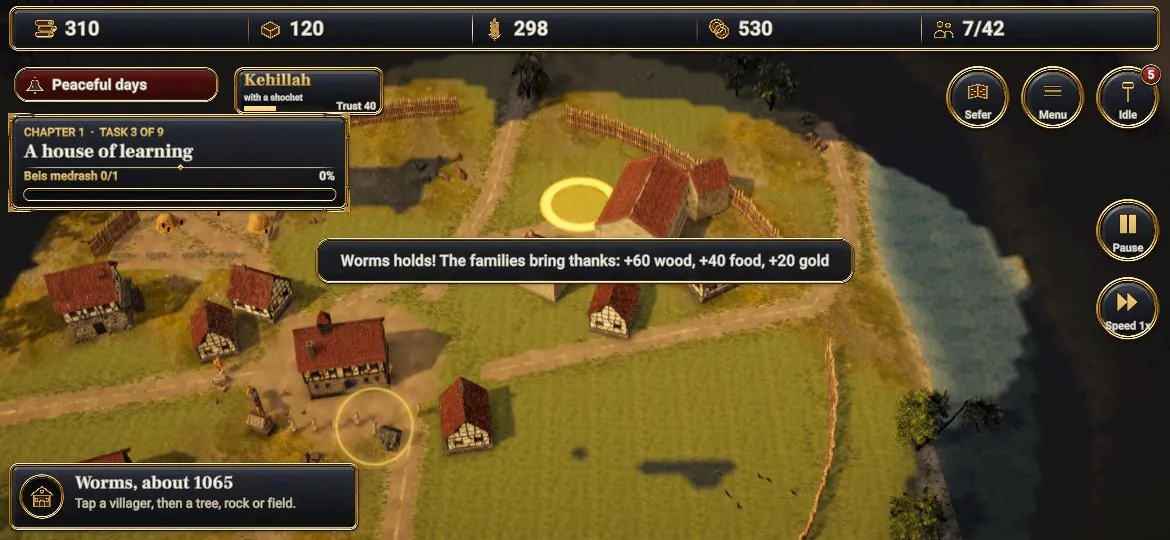
- Two real towns: Worms, about 1065, and Speyer, 1084.
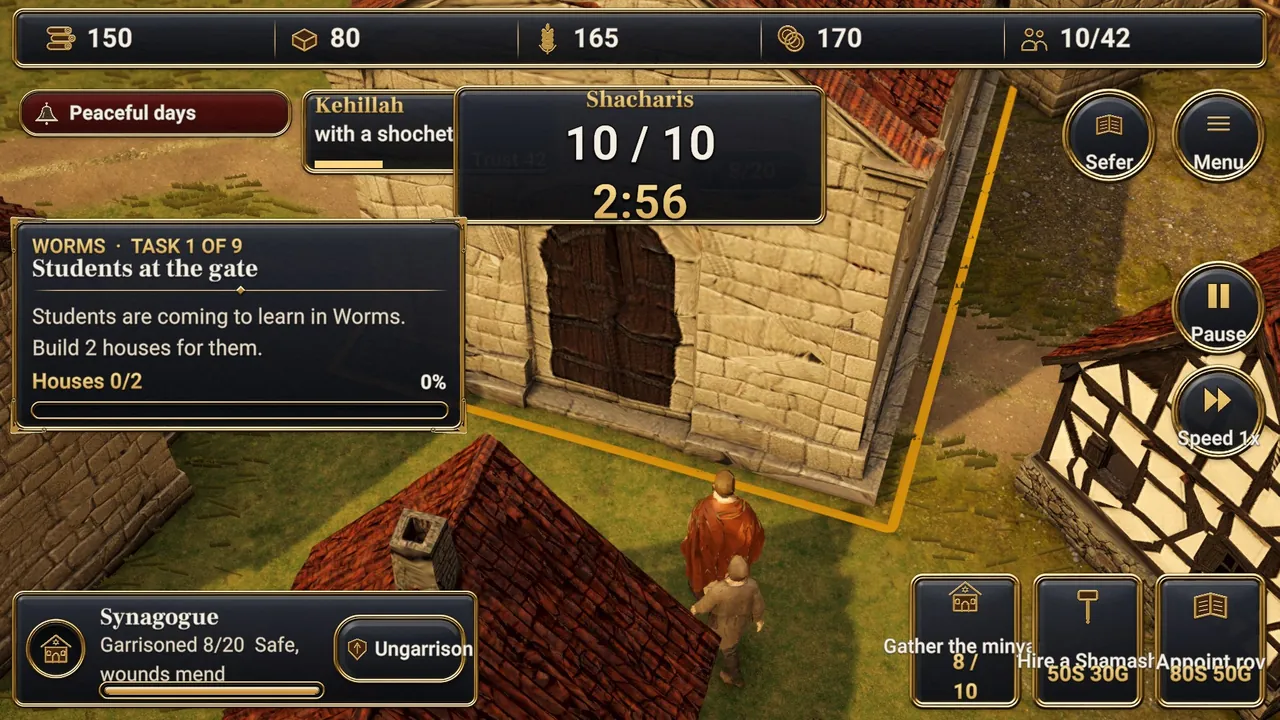
- A living minyan. The men walk to shul for Shacharis, Mincha and Maariv.
- Shabbos. From candle-lighting until nightfall the town is at rest, and you can only watch.
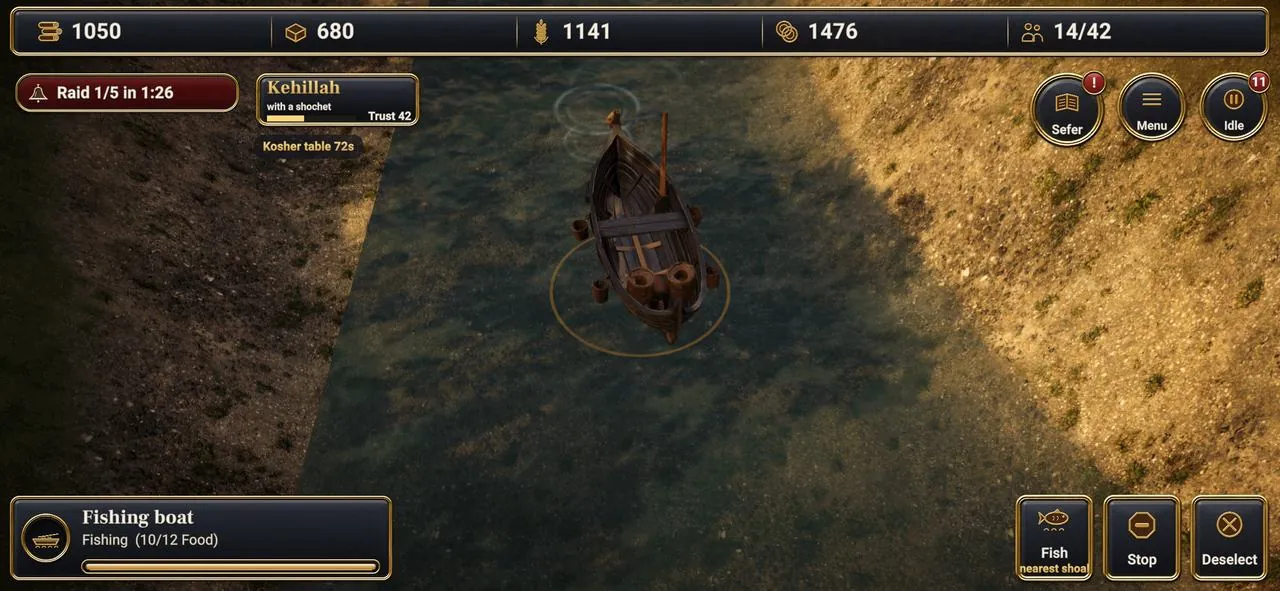
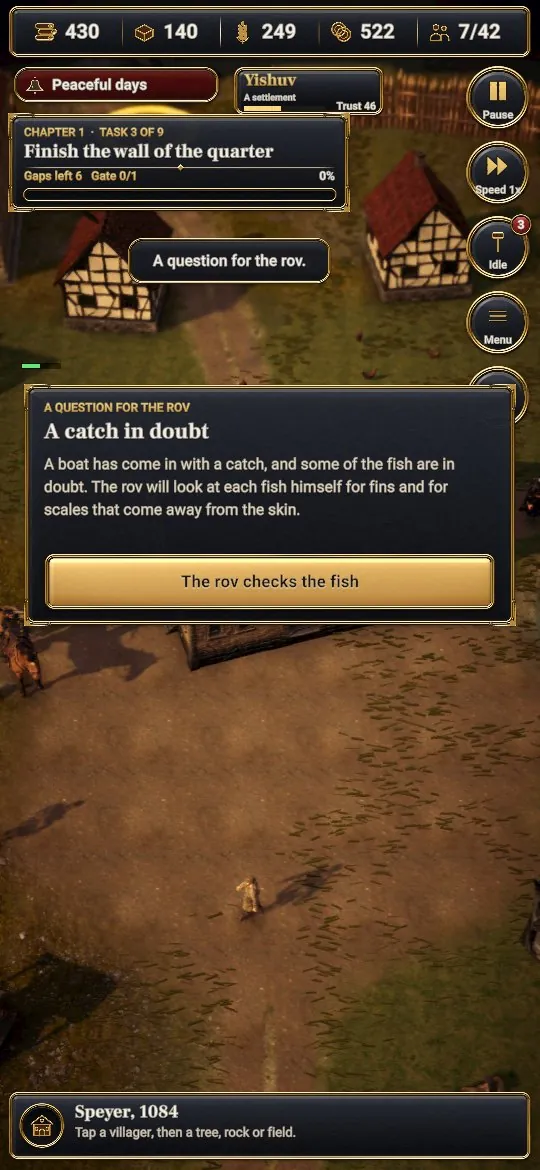
- The rov's rulings. A stall dispute is settled by the din or a pesharah, and a doubtful catch is checked fish by fish for fins and scales.
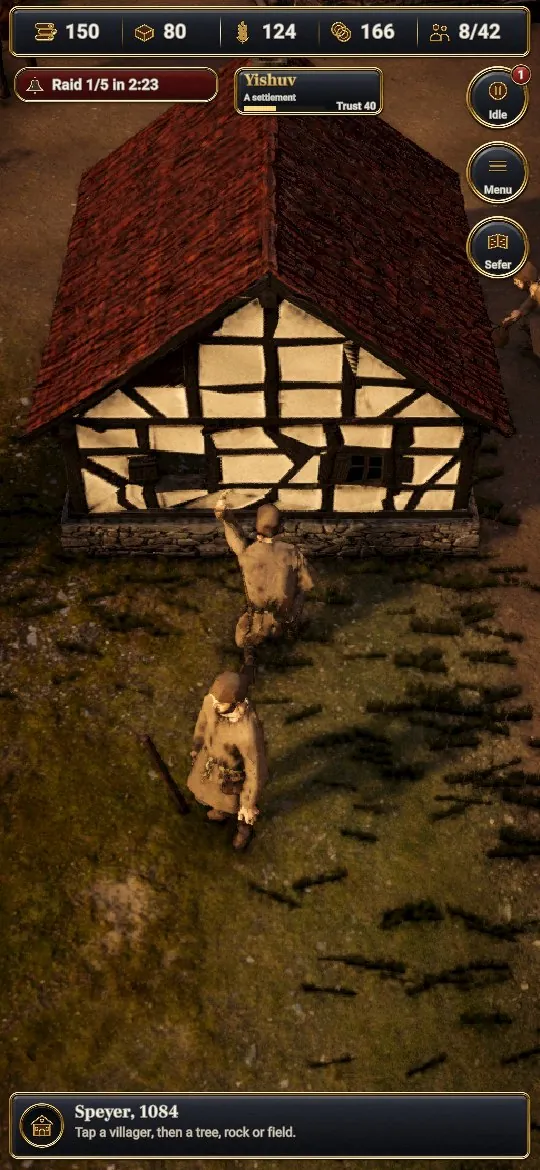
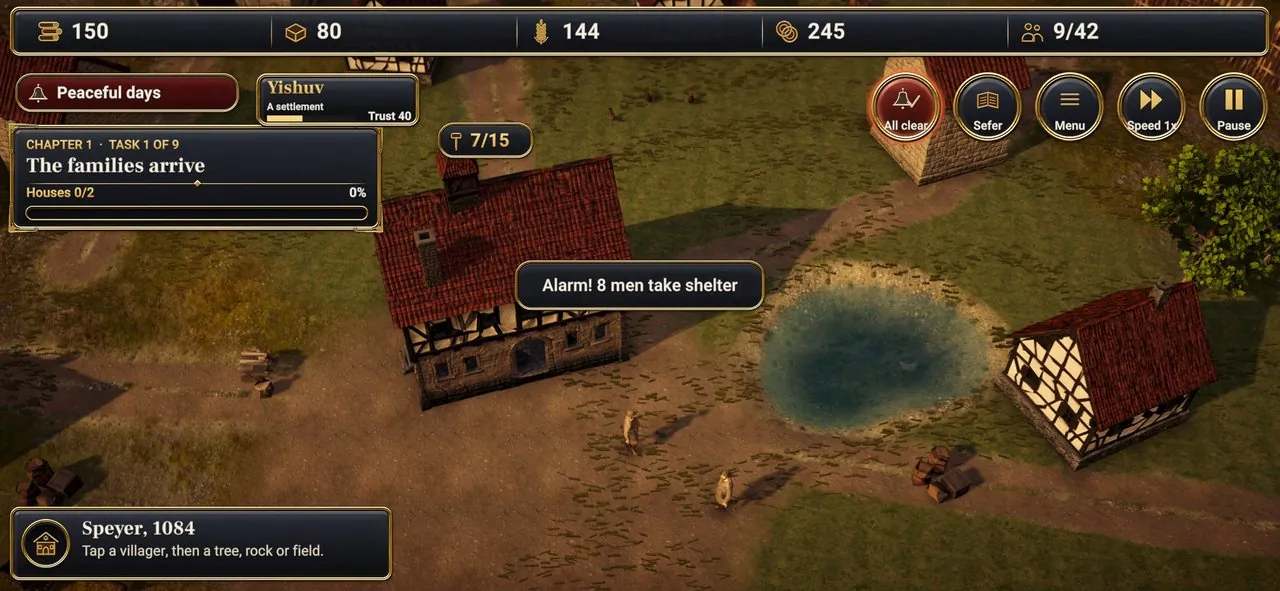
- Hold the walls. Build the wall and gate. When raiders come, sound the alarm and everyone takes shelter.
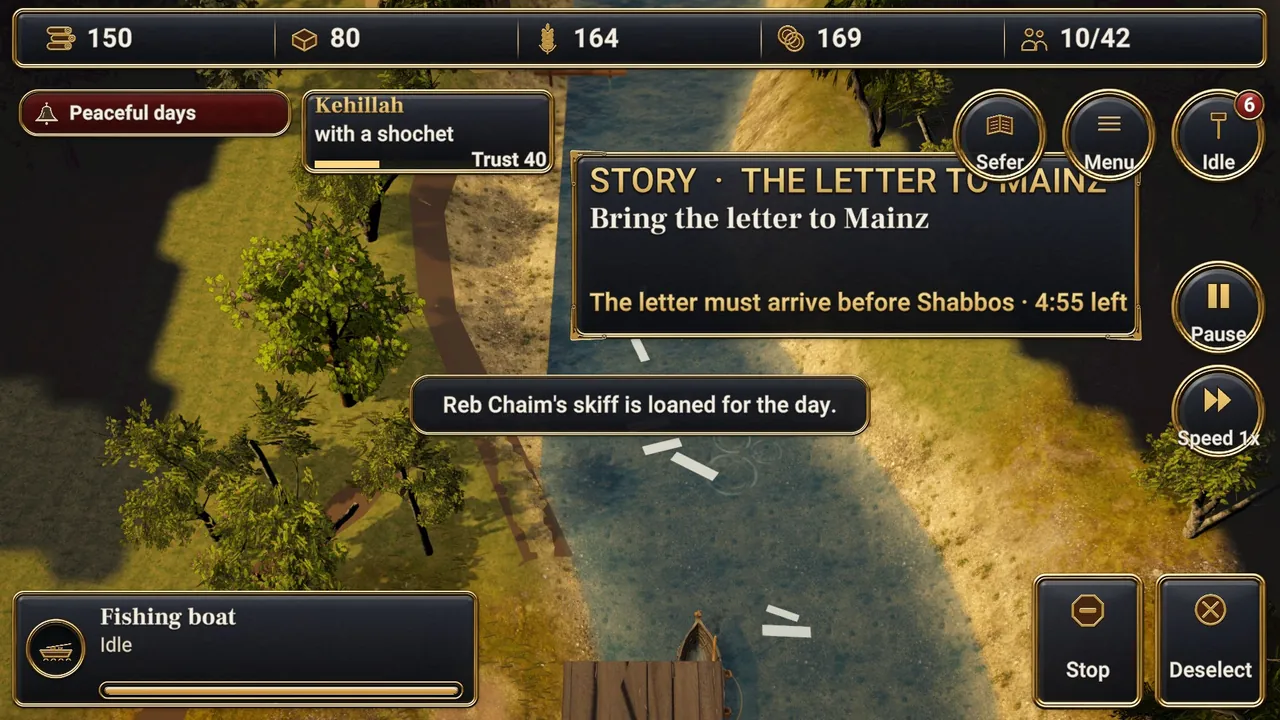
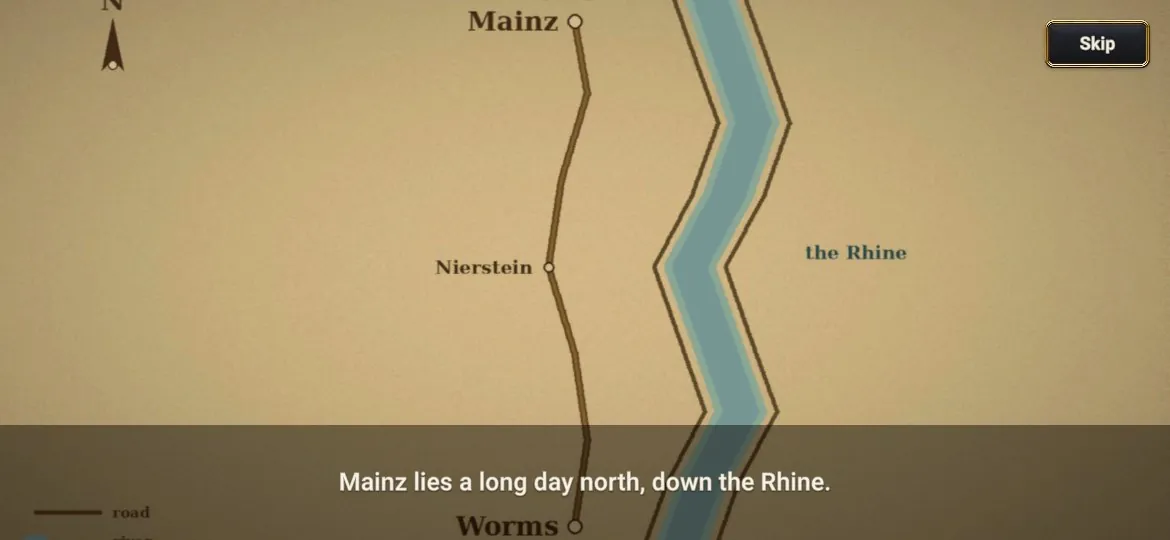
- The Letter to Mainz. Carry a letter up the Rhine, by boat or by road, before Shabbos.
- One goal at a time. The chapter card shows the next goal on one line. Pause and 2x speed are at the top of the screen.
- A 360° camera. Turn the town with two fingers.
- Phone or big screen, in portrait or landscape.
Play the beta
Android
Two steps. Use the same Google account that is on your phone. Then install ShUM from the Play Store, like any other app.
- Join the ShUM Testers group. First sign in to Google Groups with the same Google account that is on your phone's Play Store, then tap Join group.
Join the ShUM Testers groupIf you only see "Contact owners and managers", you're not signed in. - Opt in and install on Google Play. Open the opt-in page, become a tester, then install ShUM from the Play Store.
Opt in and install on Google PlayOr open ShUM in the Play Store. It can take a few minutes after joining before Google Play lets you in.
iPhone
Tap the button to open TestFlight and install the ShUM iPhone beta.
Join the iPhone beta on TestFlightWindows
Unzip the 64-bit download and run ShUM. This is the same current Windows build as the testers use.
Download for WindowsVersion 0.6.14.1 · 405 MB zip · 64-bit. Windows may show a SmartScreen warning. Click More info, then Run anyway.
Screenshots
Scroll sideways for more →